How to Keep Track of Receipts as a Freelancer: A Same-Day Habit
Receipts get lost in the gap between buying something and dealing with it later. Close the gap and the problem mostly disappears.
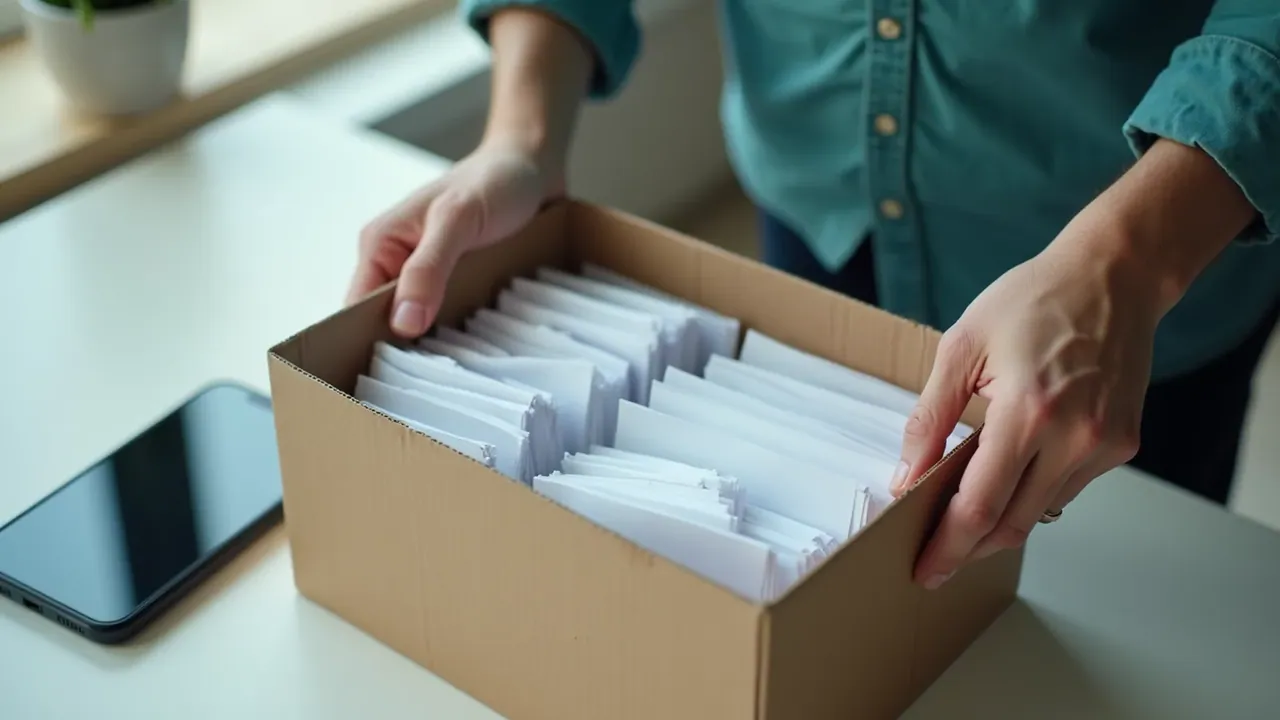
Video version: A receipt habit that takes ten seconds
Coming soon. Everything in the video is in the written guide below.
To keep track of receipts as a freelancer, capture each one the day you get it. Photograph paper receipts before they leave your hand, and save or forward email receipts straight away. File everything in one folder per month with a simple name: date, supplier, amount. Then do a five-minute check at the end of each month.
"I keep losing receipts, and half of them are buried in my inbox."
It tends to come to a head while you are searching your email for a software receipt from March, trying three different search terms and finding everything except the one you need.
Every receipt photographed or saved the same day, in one folder per month, so finding one takes seconds and none go missing.
Why receipts go missing
Receipts get lost in the gap between "I bought this" and "I'll sort it later". A paper receipt goes in a pocket, then the wash. An email receipt arrives among 40 other emails and gets buried by Friday. Later is where receipts disappear.
Digital receipts feel safer because they are "in your email somewhere". In practice, an inbox is a terrible filing system: subject lines vary, senders change names and search never quite works when you need it.
The answer is not a better memory. It is a shorter gap: deal with each receipt once, on the day it arrives, in about ten seconds.
Keep track of receipts with a 20-minute setup
- Create one main receipts folder in cloud storage, with a subfolder for each month.
- Choose a file naming pattern, such as 2026-03-14 supplier amount.
- Set an email filter that labels receipts from your regular business suppliers.
- Put a phone shortcut to this month's folder on your home screen.
- Photograph every paper receipt before you leave the shop or café, and save it to the folder.
- Save or forward every business email receipt on the day it arrives.
- Once a month, match receipts against your records and chase any that are missing.
Paper receipts
Take the photo at the counter or the table, before the receipt goes anywhere. Make sure the date, supplier and amount are readable. If you like, a receipt scanning app can crop and straighten it, but your phone's camera is enough.
Email receipts
An email filter that labels messages from your software, phone and equipment suppliers catches most of them automatically. For one-off purchases, forward the receipt to yourself with the word "receipt" in the subject, or save it as a file straight away.
File naming
Simple file naming makes search work. "2026-03-14 design tool 24.00" will always be findable. "IMG_4471" will not.
The monthly sweep
On the last Friday of each month, open your record of business expenses and your monthly folder side by side. Every expense should have a receipt. For any missing, check the supplier's account page, where most online services keep past invoices. This takes about five minutes once the habit is running. The bookkeeping for beginners routine fits it into your weekly slot.
Owen stops searching his inbox
Owen, 32, is a freelance photographer who spent most of an evening hunting for a lens rental receipt from March. He found it, eventually, under an unexpected sender name. That weekend he made twelve monthly folders and an email filter for his eight regular suppliers. He started photographing paper receipts at the till. In the first month he captured 27 receipts; the monthly sweep found two missing, both downloadable from supplier accounts. The next time his accountant asked for a receipt, it took him 20 seconds. Owen is fictional; the details are illustrative.
A receipt routine checklist to copy
Receipt routine
Main folder: ___ (backed up in the cloud)
Monthly subfolders: Jan to Dec, created for the year
File name pattern: YYYY-MM-DD supplier amount
Email filter for suppliers: ___, ___, ___
Phone shortcut to this month's folder: yes / no
Monthly sweep: last ___ of each month
Keep receipts for: ___ years (from my tax authority's guidance)
What to do about receipts you have already lost
Most missing receipts can be recovered. Online suppliers usually keep past invoices in your account area. Shops can sometimes reprint a receipt if you bring the card statement. For subscriptions, the billing page often lists every payment with a download link.
For anything you truly cannot find, write a short note with the date, supplier, amount and business purpose, and keep it with your bank statement line. Ask an accountant how your tax authority treats it. Then let it go and focus on capturing the next one on the day.
Receipt mistakes to avoid
- Saving "later". Later is where receipts die. Ten seconds now beats twenty minutes of searching.
- Keeping receipts only in email. An inbox is not a filing system. Save them into the monthly folder.
- Photographing badly. A blurry photo without a readable date or amount may not count. Check it before you move on.
- One giant folder. A folder per month keeps everything findable and matches how you will total expenses.
- Keeping only one copy. A lost phone should not mean lost records. Use cloud storage or a backup.
- Every month has its own folder, and this month's is filling up.
- Your last five business purchases each have a receipt saved the same day.
- Your monthly sweep found no more than one or two missing receipts.
- You can find any receipt from this year in under a minute.
- If receipts keep slipping through, look at where: paper or email, and fix that half of the system first.
This is general information, not tax advice; check your tax authority's rules on digital records and how long to keep them, or ask an accountant. The pillar on freelance business expenses covers what to track and which categories to use, and knowing what freelancers can write off helps you decide which receipts matter. The free Money Reset kit helps you set up the separate accounts your receipts belong to.
Key takeaways
- Receipts get lost in the gap between buying and filing; close the gap.
- Capture each receipt the same day, paper or email.
- One folder per month, with simple file names, makes search work.
- A five-minute monthly sweep catches the few that slip through.
Questions people ask
How should freelancers keep track of receipts?
Capture every business receipt on the day you get it: photograph paper ones and save or forward email ones. Store them in one folder per month with a simple name such as the date, supplier and amount. Once a month, check that every business expense in your records has a matching receipt, and chase the few that are missing.
Do I need to keep paper receipts if I have a photo?
Many tax authorities accept clear digital copies of receipts, but rules vary and some documents may need to be kept in original form. Check your tax authority's record-keeping guidance. If digital copies are accepted, a clear, readable photo stored safely is usually enough, and it is much easier to keep than a shoebox.
How long should freelancers keep receipts?
Often several years after the end of the tax year they relate to, but the exact period depends on where you live. Your tax authority's guidance for self-employed people states the minimum. Keep them in a backed-up folder so they survive a lost phone or a broken laptop.
What is the easiest way to save email receipts?
Set up an email filter or label that catches receipts from your regular business suppliers, or forward every business receipt to a dedicated address or folder. Once a month, save them as files into that month's folder. Many suppliers also let you download past invoices from your account page, which helps if one goes missing.
Not financial or tax advice
FreelancerSave is educational and is not financial, tax, legal or investment advice. Tax rates and percentages are examples only; your real figures depend on your country, income and situation, so confirm them with an accountant or your tax authority. Examples are composites and results vary. Read the full disclaimer.

Free starter kit
Set up the accounts your receipts belong to
In 30 minutes you finish with your real Minimum Month number, a tax set-aside percentage, a separate Tax Pot account and your first three-way money split.